Why You Need a Dedicated Staffing Station Immediately
Look, establishing a highly optimized staffing station is hands down the best move you can make for your hiring workflow right now. I tell my peers this all the time: if you are still scrambling to organize candidates using scattered emails and a chaotic desk setup, you are absolutely bleeding resources. Let me share a quick story. Back in Kyiv, my friend managed a rapidly scaling tech hub that was hiring fifty developers a week. It was total chaos until they finally centralized their operations into one unified command center. Almost overnight, the entire pipeline smoothed out. People knew exactly where to go, managers knew precisely who was being onboarded, and the whole energy of the office shifted from panic to absolute control.
You might be asking yourself why this specific concept matters so much for you. The truth is, whether you are running a retail chain, a warehouse, or a remote tech enterprise, a centralized hub acts as the beating heart of your recruitment and shift-assignment process. It forces discipline into your daily operations. You stop guessing who is doing what and start executing with precision. By the time you finish reading my breakdown, you will have a rock-solid blueprint for deploying your own hub, scaling it up, and utilizing it to dominate your operational goals.
The Core Benefits of Centralizing Your Operations
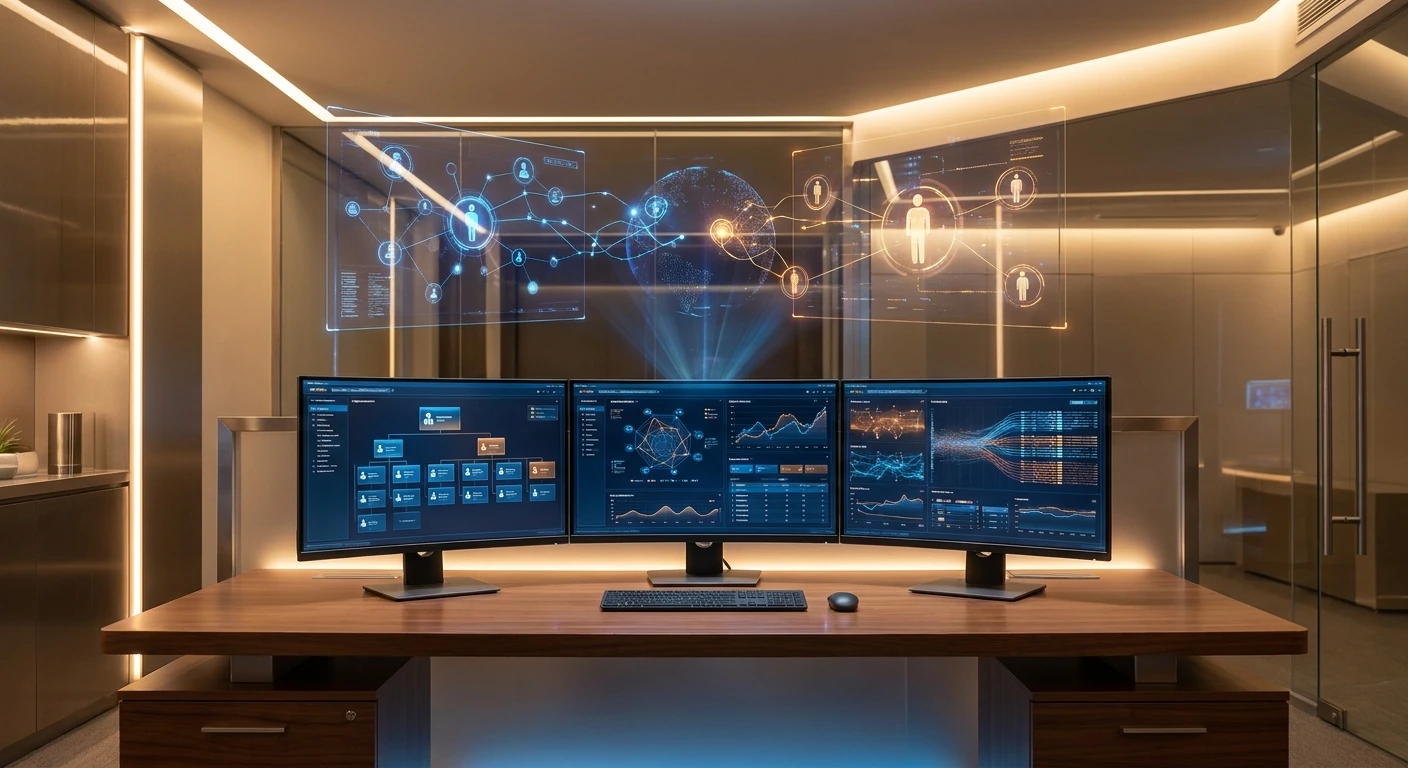
Let us get straight to the mechanics of how this functions. A centralized hub is essentially a physical or digital desk—often a hybrid of both—where every single aspect of workforce management converges. Think of it as air traffic control for your human resources. The value proposition here is massive. First, you drastically cut down the time-to-hire. Second, you eliminate communication bottlenecks between your recruitment team and your shift supervisors. Let me give you two concrete examples. Imagine a massive logistics warehouse trying to fill night shifts. Without a central hub, managers are texting employees randomly. With a hub, a dedicated coordinator looks at a live dashboard and dispatches shift requests instantly. Or consider a remote software agency; a virtual hub allows recruiters in different time zones to seamlessly hand off candidate portfolios without losing a single piece of feedback.
Operational Matrix
| Component | Primary Responsibility | Performance Metric |
|---|---|---|
| Physical Kiosk | On-site candidate screening and document verification | Foot traffic processed per hour |
| Digital Dashboard | Real-time shift allocation and schedule tracking | System latency and fill rate percentage |
| Coordinator Desk | Handling escalations and conducting final interviews | Time-to-hire and retention rate |
To fully grasp how you can leverage this, you need to understand the structural steps involved in making it work seamlessly on a daily basis. Here is exactly what you need to do to make it functional:
- Assess your daily volume needs: Before buying software or renting office space, sit down and calculate exactly how many people you process daily. Are we talking ten hires a week or five hundred? Your volume dictates the scale of your setup.
- Integrate your hardware and software: You cannot just throw a laptop on a desk and call it a day. You need dual monitors, dedicated communication lines, and applicant tracking software that updates instantly across all platforms.
- Appoint a dedicated traffic controller: Your hub needs a leader. Designate one person whose sole responsibility is to sit at that station and direct the flow of incoming talent and outgoing shift assignments.
The Origins of Centralized Hiring
Let us take a quick step back and look at how we even got to this point. The concept did not just fall out of the sky. Following the industrial boom after the Second World War, massive factories realized they could not just have foremen walking out to the factory gates to pick workers at random. They needed a structured intake point. These early intake rooms were entirely paper-based, relying on massive filing cabinets, punch cards, and an army of clerks who manually tracked every single laborer who walked onto the manufacturing floor. It was slow, tedious, and prone to massive human error, but it laid the foundational philosophy: all hiring must flow through one distinct point.
Evolution Through the Digital Age
Fast forward to the late nineties and early two thousands, and things started getting really interesting. The advent of personal computers and early local area networks meant that the paper cabinets were thrown out. HR teams started using localized databases to track personnel. The intake desk became a little more sophisticated, equipped with bulky desktop computers and early spreadsheet software. However, the systems were still highly localized. If a recruiter at one desk updated a file, it didn’t automatically sync with the manager sitting three offices down. It was a digital upgrade, but the true connectivity was missing. The physical desk was there, but the digital flow was staggered.
The Modern State in 2026
Now that we are deep into 2026, the landscape is almost unrecognizable compared to those early days. The modern hub is an interconnected masterpiece of artificial intelligence and cloud computing. The physical desk still exists in warehouses and corporate offices, but it is heavily augmented by virtual reality interfaces and predictive analytics. A coordinator sitting in London can seamlessly manage a virtual hub for a workforce based in Tokyo and Kyiv simultaneously. The barriers of physical geography have completely dissolved, making the centralized hub a global command center rather than just a desk near the front door.
Core Infrastructure and Software Systems
If we want to talk tech, we have to look under the hood. Setting up the infrastructure requires understanding how data flows. You are essentially building a real-time data ingestion engine. When a candidate submits an application or an employee clocks in, that data packet needs to be routed, categorized, and displayed on the coordinator’s monitor in milliseconds. This requires a robust API gateway that connects your applicant tracking software directly to your shift management tools. You are dealing with highly sensitive personally identifiable information, which means your encryption protocols must be military-grade. You cannot afford a data leak at the exact point where all your employee data converges.
Data Analytics and Predictive Hiring
The smartest operations aren’t just reacting to staffing shortages; they are predicting them. By feeding historical shift data into machine learning algorithms, the system can actually tell you when you are going to need more people before the shortage even happens. Here are some quick technical facts about how this operates:
- Real-time API syncs: Ensure that candidate statuses update across all integrated platforms within less than 200 milliseconds to prevent double-booking interviews.
- Load balancing servers: Distribute incoming application traffic evenly during massive hiring pushes so your central dashboard never crashes.
- Predictive algorithms: Analyze seasonal trends, weather patterns, and local events to automatically suggest increases in shift allocations.
- End-to-end encryption: Utilize AES-256 standards to secure all candidate documentation transmitted through the central network.
Day 1: Assessing Resource Requirements
Alright, let us get highly practical. You need a setup, and you need it fast. Day one is all about audits. Sit down with your operations managers and figure out exactly what is broken in your current workflow. Are candidates getting lost in the email shuffle? Are shift managers complaining about being understaffed? Document every single pain point. You need to know the specific problems your new setup is going to solve before you spend a single dime.
Day 2: Selecting the Tech Stack
Day two is for shopping, but you need to be smart about it. Do not just buy the most expensive enterprise software. Look for modular applicant tracking systems that play nicely with your existing payroll and communication tools like Slack or Microsoft Teams. Your software needs to act as the digital brain of your operation. Ensure it has a robust mobile application so shift workers can interact with the hub directly from their phones.
Day 3: Physical or Virtual Layout Design
On the third day, you design the space. If you are building a physical point in an office or warehouse, location is everything. It needs to be near the main entrance but far enough away from the noisy operations floor so that recruiters can actually conduct interviews. If your operation is entirely remote, design the digital layout. Set up specific virtual channels and automated ticketing systems that simulate walking up to a physical desk.
Day 4: Integrating Communication Channels
Now you connect the plumbing. Day four requires you to link all your communication lines directly to the hub. If a manager needs three more workers for the night shift, they should not be calling a recruiter’s personal phone. They should push a request through a dedicated channel that alerts the central dashboard immediately. This is about establishing strict communication protocols and making sure everyone sticks to them.
Day 5: Training Your Recruitment Team
You can have the best technology on the planet, but if your team does not know how to use it, you have failed. Spend day five running intensive training workshops. Teach your coordinators how to read the dashboard, how to flag bottlenecks, and how to dispatch personnel rapidly. Make sure they understand that they are the controllers of this new ecosystem. Their efficiency dictates the efficiency of the entire company.
Day 6: Simulating Peak Load Scenarios
Never launch anything live without trying to break it first. On day six, run a stress test. Simulate a scenario where fifty candidates apply at the exact same time, while three shift managers call in sick, and a massive order needs to be fulfilled. Watch how your team and your software handle the pressure. Identify the breaking points, tweak the software settings, and refine the workflow based on what fails during the simulation.
Day 7: Official Launch and Monitoring
It is launch day. Roll out the new system to your entire staff. Send out clear instructions on how they are expected to interact with the new hub moving forward. Keep a very close eye on the system for the first forty-eight hours. You will inevitably find minor bugs and friction points. Fix them immediately. The goal here is to establish absolute confidence in the new system from day one.
Debunking Common Misconceptions
Myth: You only need a dedicated setup if you are running a massive global enterprise with thousands of employees.
Reality: Even a small creative agency or a local delivery business benefits massively from centralization. If you are managing more than twenty people, the chaos of informal scheduling is already costing you money.
Myth: It is just a fancy desk by the front door.
Reality: The physical desk is merely the tip of the iceberg. The real power lies in the digital infrastructure, the automated workflows, and the data analytics running constantly in the background to optimize your workforce.
Myth: Artificial intelligence is going to make these hubs completely obsolete within a few years.
Reality: AI is an incredible tool, but human resources require a human touch. AI will augment the coordinator’s ability to make fast decisions, but the central point of contact will always need a human to manage edge cases and culture fit.
Myth: Building this out will take months and completely disrupt current operations.
Reality: As demonstrated in our seven-day plan, if you are focused and organized, you can implement a highly functional baseline system in exactly one week without stopping your daily business activities.
What is the primary function of a staffing station?
Its main job is to act as the single source of truth for all hiring, onboarding, and daily shift coordination within an organization.
How much does it cost to set one up?
Costs vary wildly. A basic digital setup using existing software can be virtually free, while a customized enterprise kiosk with predictive AI can run into the thousands.
Do remote companies actually need this?
Absolutely. For remote companies, the hub is entirely digital, functioning as the central nervous system for asynchronous hiring and project assignment.
Who should manage the daily operations?
You need a highly organized operations coordinator or a senior HR specialist who handles stress well and understands data analytics.
Can this integrate with our current payroll software?
Yes, any modern applicant tracking software worth its salt has open APIs designed specifically to sync with standard payroll and accounting tools.
How do we handle candidate privacy at the desk?
If physical, ensure monitors face away from public traffic and use privacy screens. Digitally, enforce strict role-based access controls and encryption.
What is the first step I should take today?
Stop everything and map out your current hiring workflow on a whiteboard. Identify where the delays are happening right now.
How long until we see a return on investment?
Most companies see a drastic reduction in time-to-hire and administrative overhead within the first thirty days of proper implementation.
Final Thoughts on Revolutionizing Your Workflow
Listen, you now have the exact blueprint needed to completely overhaul the way you manage human capital. Building a highly functional hub is not just a neat organizational trick; it is a fundamental shift in how you respect your team’s time and your company’s resources. By centralizing your hiring, eliminating redundant communications, and leveraging smart data, you position your business to scale aggressively without the growing pains. Do not wait for your current system to collapse under its own weight. Start mapping out your new setup today, implement the seven-day plan, and watch your operational efficiency go through the roof. Get to work!